
September 24, 2026 · Carousai Team
How to choose a carousel maker app with AI
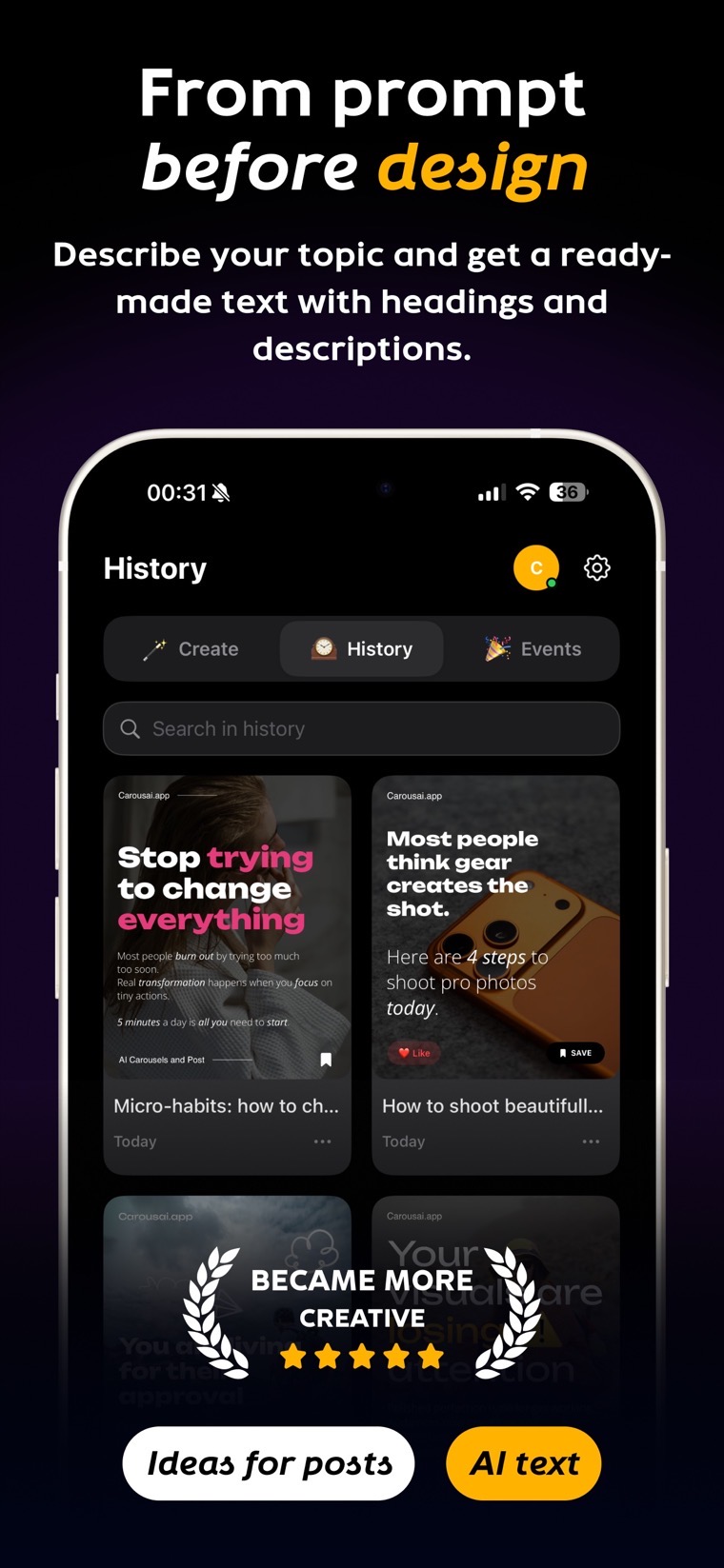
The best carousel maker is not the one with the longest feature list. It is the one that shortens your workflow from idea to publish-ready slides while keeping the copy, layout, and brand under your control.
Start with the work you repeat
Write down what takes the most time today: finding a topic, outlining the story, formatting text, resizing media, or recreating your visual style. A useful editor should remove those repetitive steps without locking you into an uneditable result.
Features worth comparing
- AI structure and copy. Can the app turn a short prompt or existing draft into a coherent sequence?
- Editable templates. Can you change every text block, color, font, and element?
- Brand consistency. Can you reuse fonts, colors, and layouts across projects?
- Social formats. Look for practical canvases such as 3:4, 4:5, 1:1, and 9:16.
- Media support. Check photos, video, collages, stickers, and custom assets.
- Export. Make sure the editor supports the images, video, or PDF your platforms require.
Browser editor or installed app?
A browser editor is convenient when you want to start immediately or work from different computers. A native app is useful on a phone or tablet and can offer a more focused editing experience. The strongest setup gives you both while keeping the workflow familiar.
Test with a real project
Do not judge an editor only by its template gallery. Build one actual carousel, replace the copy, add your own media, change the size, and export it. Check whether the text remains readable, the slides stay consistent, and the files arrive in the correct order.
Why Carousai fits this workflow
Carousai combines AI-generated structure and copy with an editable visual editor. You can select a social format, apply a reusable brand style, add photos or video, and export images, video, or PDF in the browser or app.