01
Paste a topic — get a carousel
Describe your idea in a few words. AI turns it into structured slides with text and layout.
See how →Type your topic, pick a style, and get polished carousel slides ready to post. No design skills needed.
Go from an idea to finished slides without installing an app.
Create a carousel→ Learn more about the online editor →

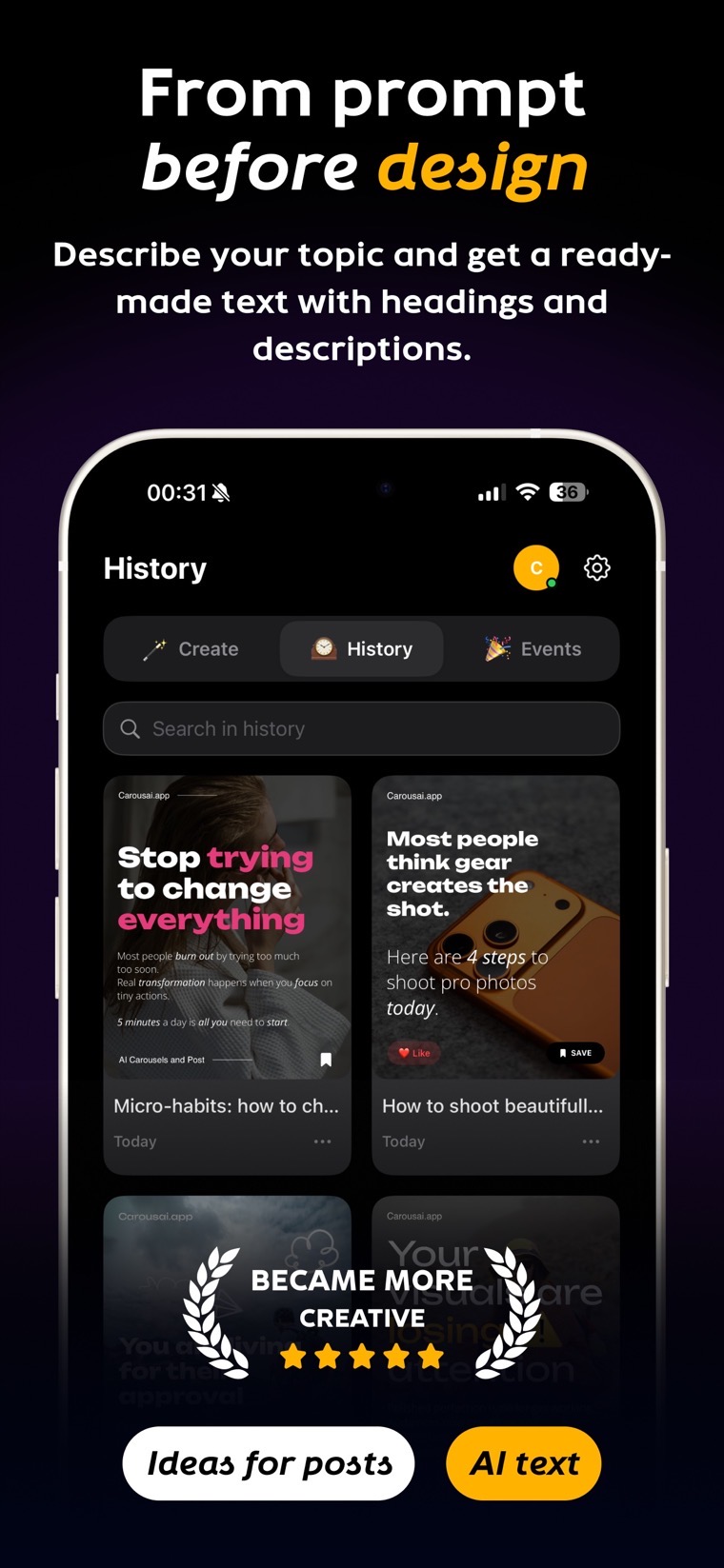


Describe your idea in a few words. AI turns it into structured slides with text and layout.
See how →Switch templates, colors, and fonts in one tap to find the style that fits.
See how →Lock in your fonts, colors, and tone so every post looks like it came from the same feed.
See how →Export your finished carousel as images, video, or PDF for the platform and format you need.
See formats →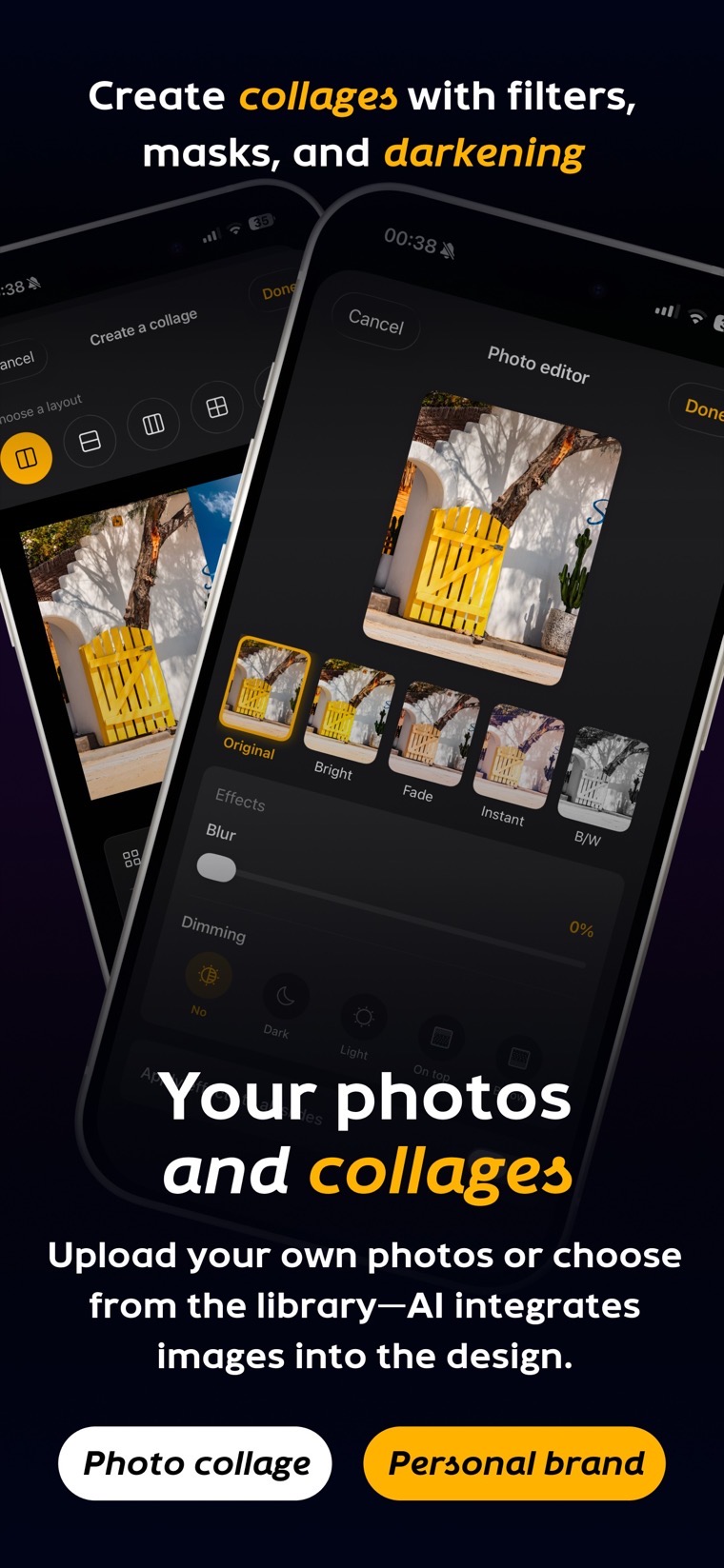
Arrange slides, edit text, add photos or video — and export everything when you're ready to post.
Carousai handles the layout and formatting so you can focus on your message. Create a week's worth of content in one sitting.

Create for Instagram, VK, Pinterest, TikTok, LinkedIn, and other platforms in the format that fits your content.

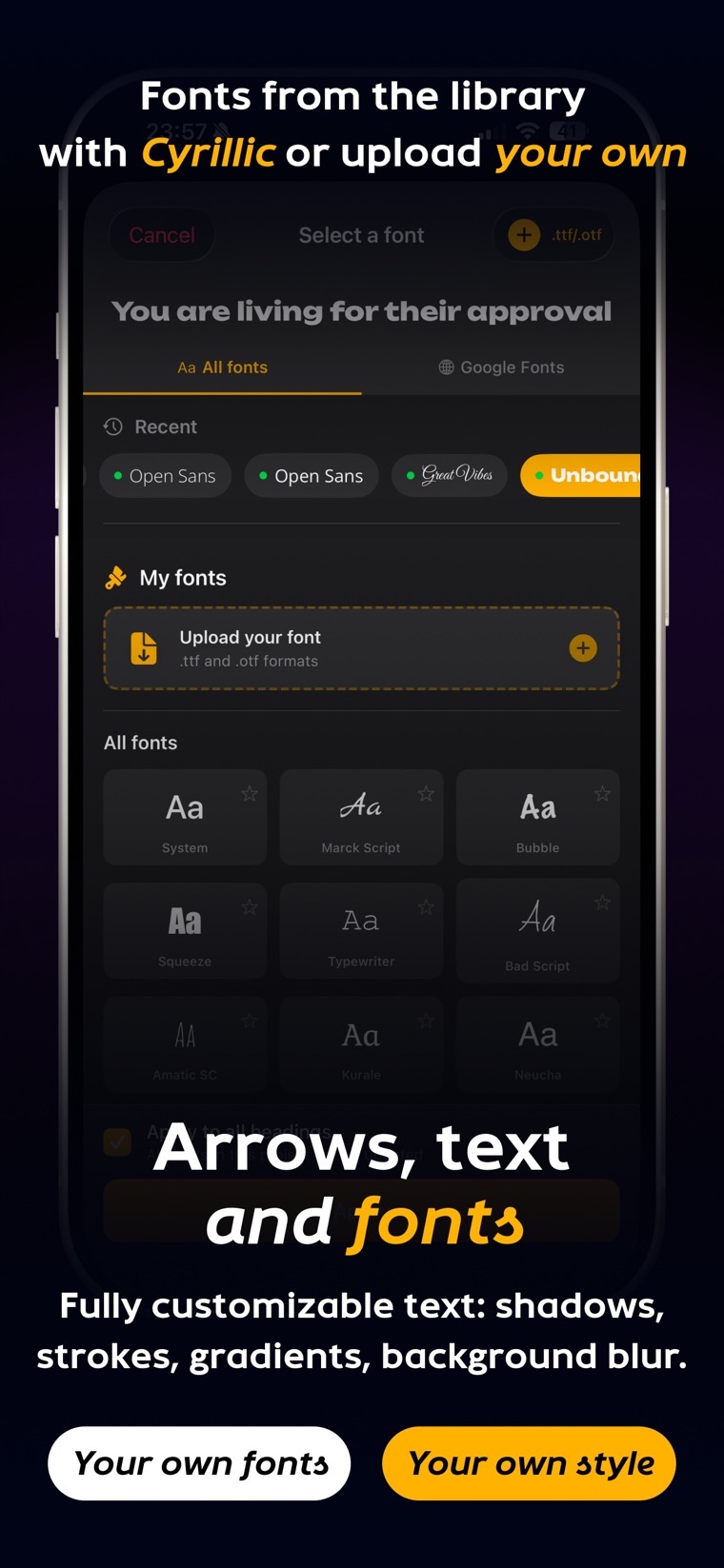
Use Google Fonts, upload your own files, and fine-tune shadows, strokes, and gradients to match your brand.
Pick from 30+ prompt templates or create your own. Save your writing style so AI nails your tone every time.
Start on your phone, finish on iPad or Mac. Your projects sync across all your Apple devices.

Your carousel workflow, simplified. Describe your idea → pick a template → edit and export. That's it.