
Create a carousel online with AI
Carousai turns a topic or existing draft into a sequence of slides. AI helps with structure and copy while you control the design, photos, video, and final result.
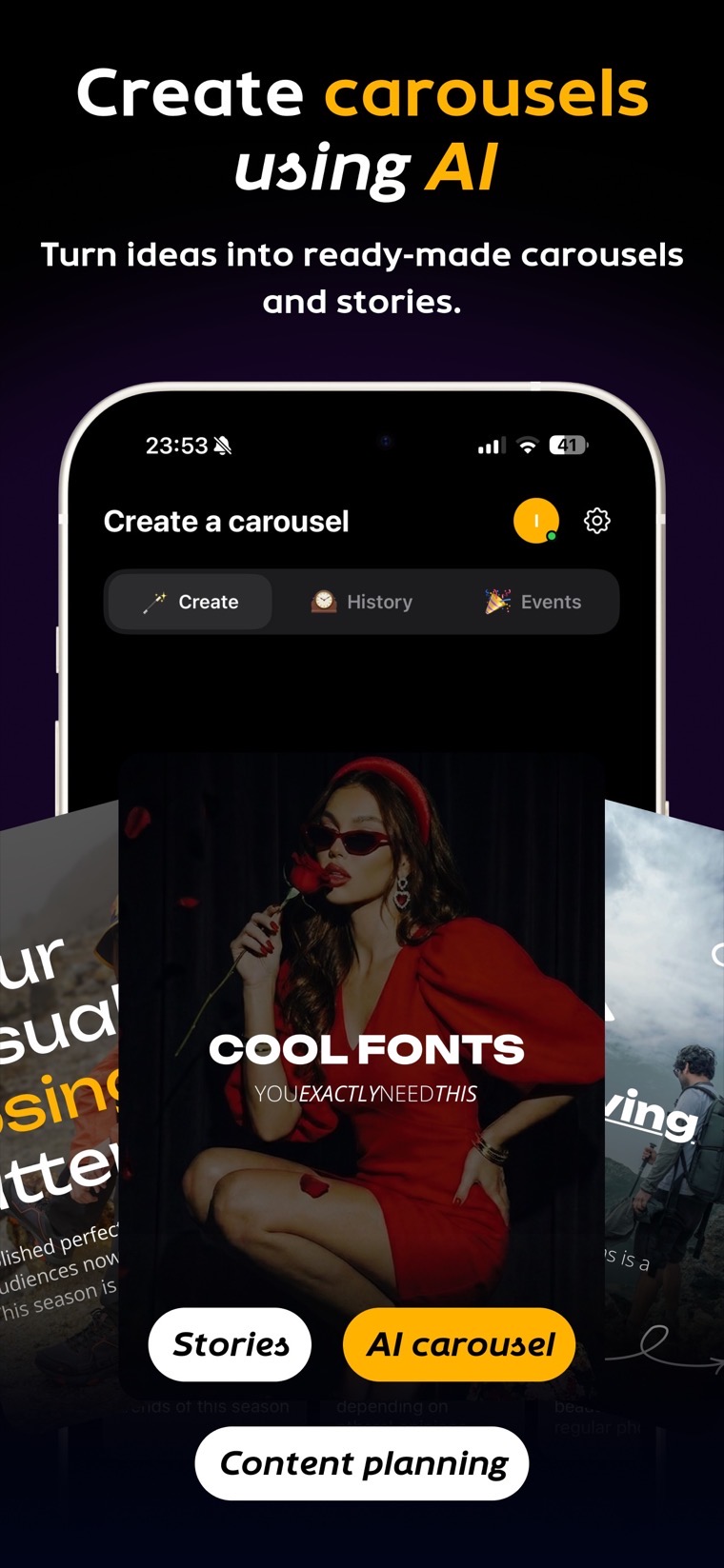 AI creation
 Content ideas
 Design and effects
How to make a carousel online
- Describe the topic. Add the goal, audience, preferred tone, and slide count, or paste an existing draft.
- Generate the structure. AI turns the material into a cover, key points, and a clear closing action.
- Customize the design. Choose a template, fonts, colors, and a 3:4, 4:5, 1:1, or 9:16 canvas.
- Add media and edit. Use photos, video, collages, stickers, and your own brand assets.
- Export. Save the carousel as images, video, or PDF for the platform you plan to use.
What the online editor can do
- generate carousel copy and slide flow from a short prompt;
- turn existing copy into concise, editable slides;
- keep fonts, colors, and layouts consistent;
- create image and video carousels for Instagram, VK, Pinterest, TikTok, and LinkedIn;
- export images, video, or PDF without laying out each page by hand.
Who Carousai is for
Carousai is useful for creators, educators, small businesses, marketers, and teams that publish educational, product, or promotional carousels regularly. The editor keeps the repetitive layout work under control while leaving every word and visual editable.
What to prepare before generating
A strong prompt includes the topic, audience, main benefit, and tone. For example: “A seven-slide carousel for small-business owners explaining how to plan one month of content, practical and conversational.”
Frequently asked questions
Do I need to install anything?
No. The editor opens in a browser. You can also continue in the Carousai app on iPhone, iPad, Mac, or Android.
Can I use my own copy and photos?
Yes. Paste your text, upload media, and adjust every slide before export.
Can I create a video carousel?
Yes. Add video to slides and export the finished carousel as video.
Does Carousai publish automatically?
No. Carousai prepares the images, video, or PDF. You publish the exported content on the selected platform.
Build your first carousel in the browser
Enter a topic, choose a style, and export images, video, or PDF.
Create a carousel→